
Microsoft Entra ID has been silently bypassing Conditional Access policy evaluation for a specific class of sign-ins for years.
When an application signs in requesting only OIDC scopes or a limited set of directory scopes, CA policies targeting "All resources" with one or more resource exclusions were not evaluated. The sign-in would complete, MFA would not be required, and the policy would appear in logs as "not applicable."
As of June 15, 2026, Microsoft has changed this behaviour. CA policies with "All resources" scope and resource exclusions are now enforced for these previously bypassed sign-ins.
The most common CA policy pattern -- targeting "All resources" with standard exclusions -- has been silently not enforcing for sign-ins from apps like Azure CLI, custom integrations, and third-party SaaS tools. Most tenants have no idea.
Configured does not mean enforced. This change is a direct example of that.
Most Microsoft 365 operators have CA policies in place. Many target "All resources" and include resource exclusions -- a setup that looks correct in the Entra ID policy editor and produces no warnings.
The gap existed without any alert or indicator. Sign-ins that bypassed CA evaluation appeared in Entra ID sign-in logs, but the CA result was listed as "not applicable" rather than "bypassed" -- easy to miss during routine review.
Two operational risks exist right now:
For MSPs managing multiple tenants, this creates an estate-wide audit requirement. Each tenant may have different apps, different CA policy configurations, and different exposure profiles.
Review all CA policies in each tenant that target "All resources". Identify which policies include one or more resource exclusions. These are the policies that were previously not evaluating OIDC-scope sign-ins.
In Entra ID sign-in logs, filter for CA result "not applicable" on sign-ins from apps using OIDC-scope or device code authentication. Investigate whether those sign-ins should have been subject to CA evaluation.
Where apps legitimately require continued access without full CA enforcement -- for example, Teams Rooms devices or kiosk systems -- add deliberate, scoped exclusions. Do not rely on the previous bypass behaviour continuing.
After confirming your policies and exclusions, test sign-in behaviour for affected apps to confirm enforcement is working as intended and no apps have broken unexpectedly.
CA policies that looked correct in the Entra ID policy editor were not enforcing for a class of sign-ins. No alert. No visible failure. The sign-in completed, and the policy was listed as not applicable.
Overe Conditional Access Assurance (CAA) helps operators identify where CA policies are configured but not enforcing as intended across real authentication events -- including edge cases like OIDC-scope sign-ins, device code flow, and authentication paths with exclusion gaps.
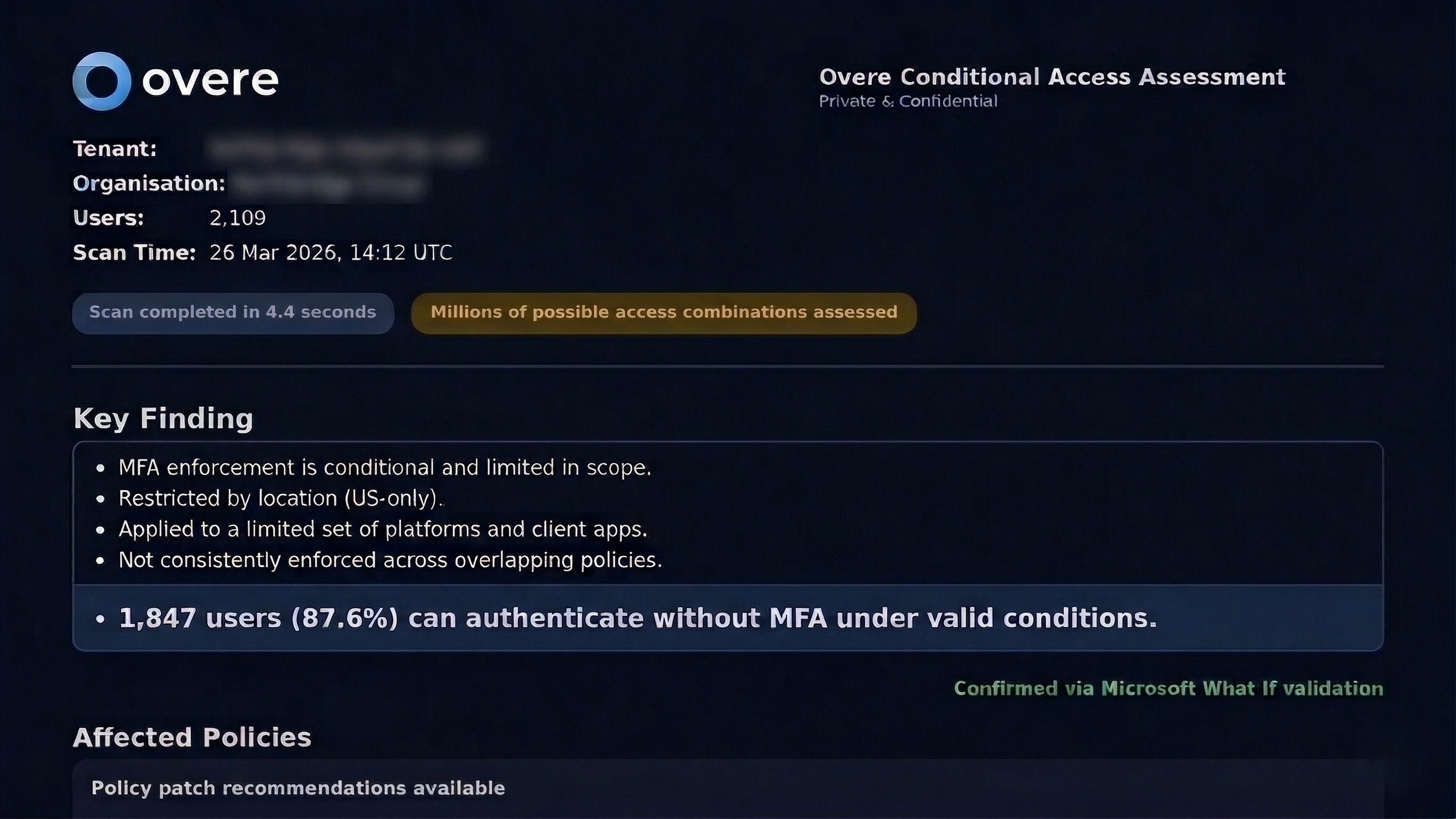
For MSPs managing multiple tenants, CAA provides visibility across the entire estate so that gaps in one tenant are not missed while another tenant's review is in progress.
Configured does not mean enforced.
