Here's How It Works...

Overe is built on 4 core pillars

Assess, Harden, Monitor, Respond.
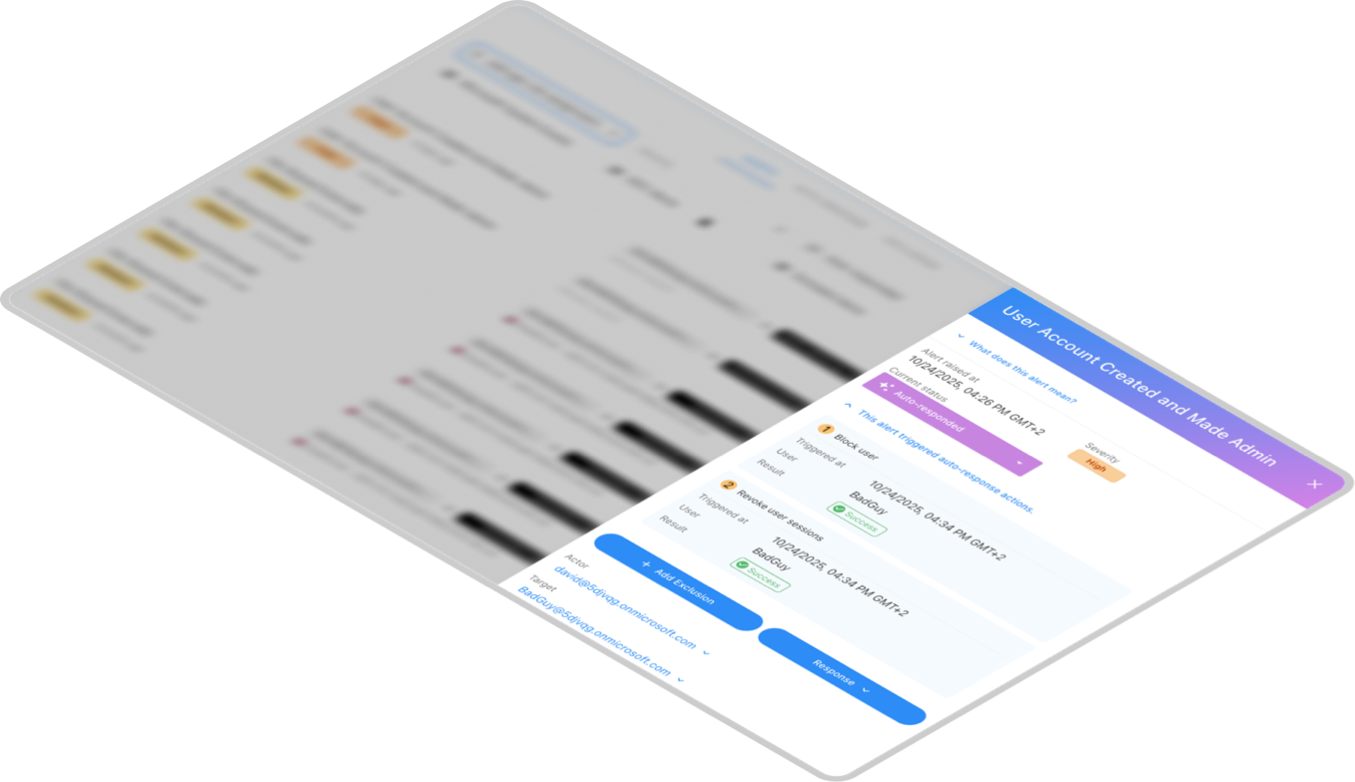
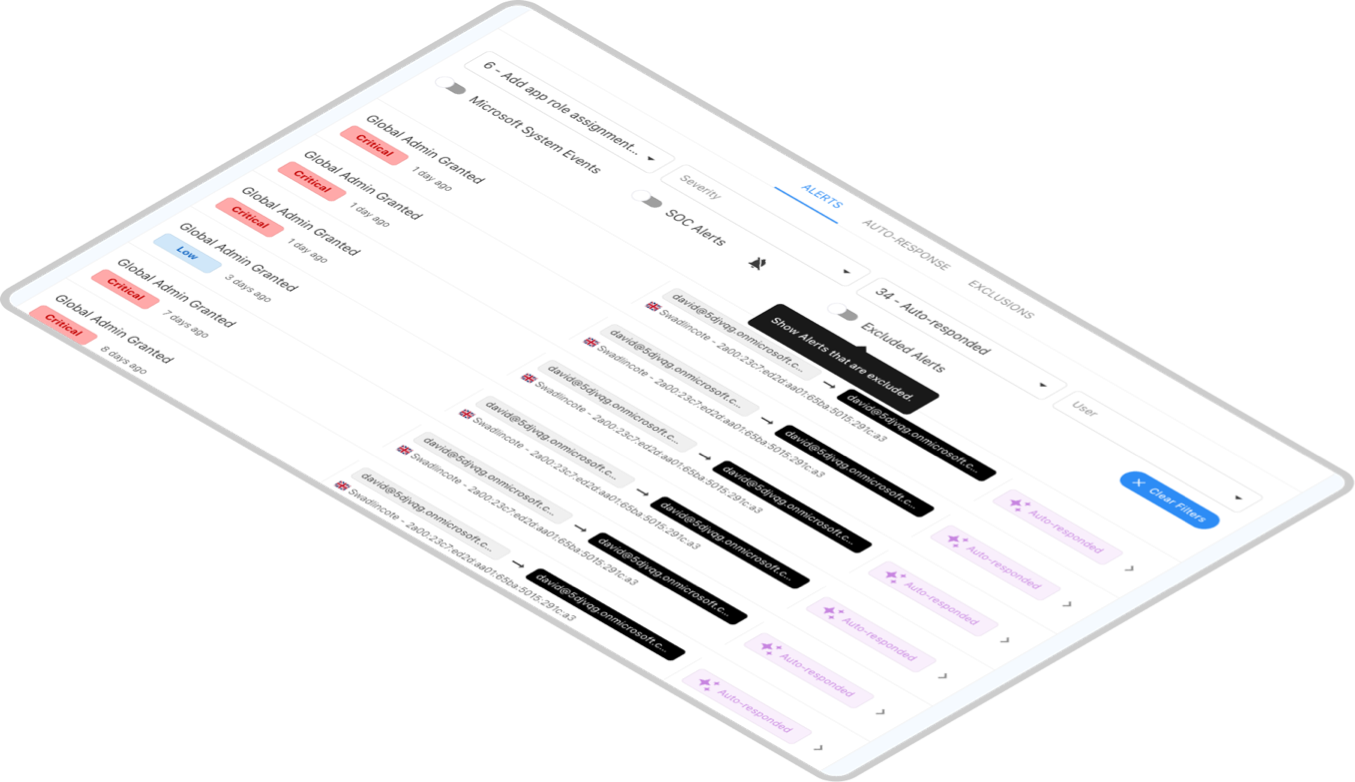
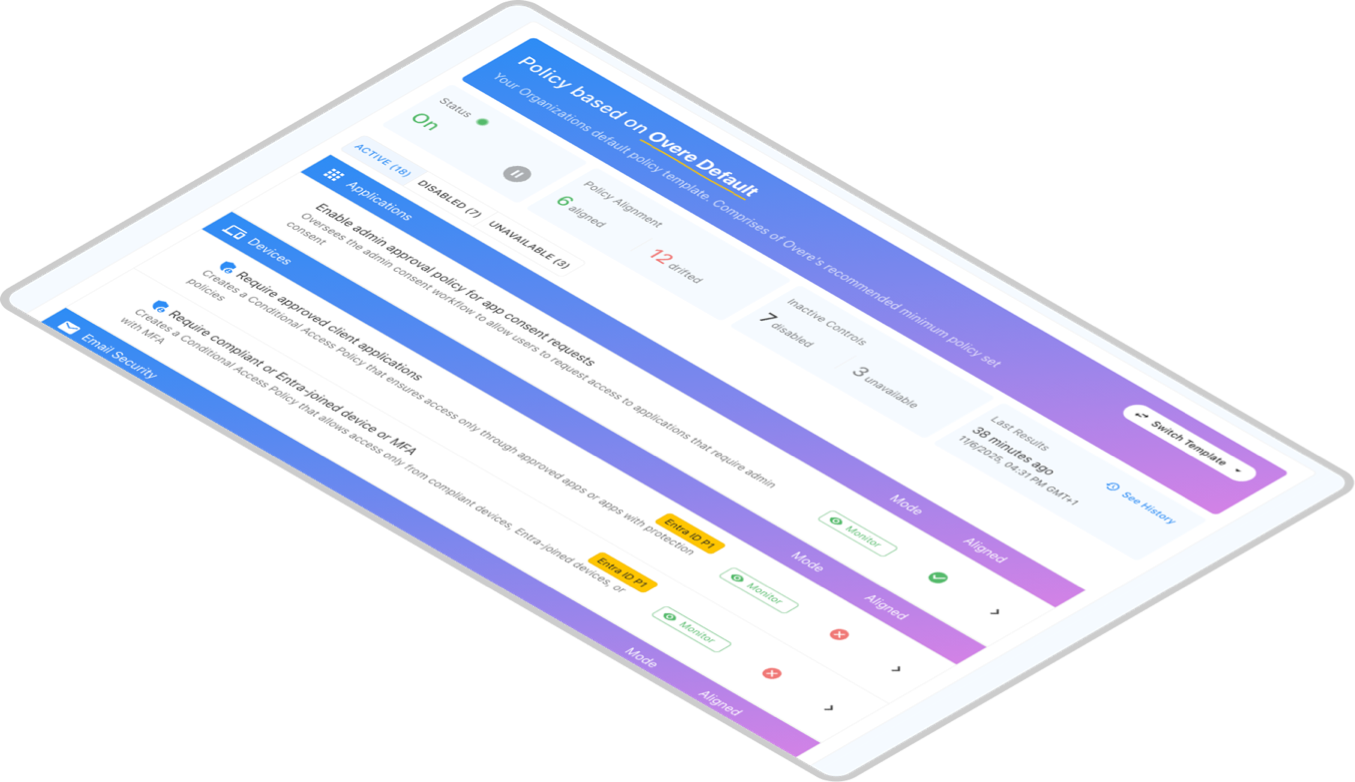
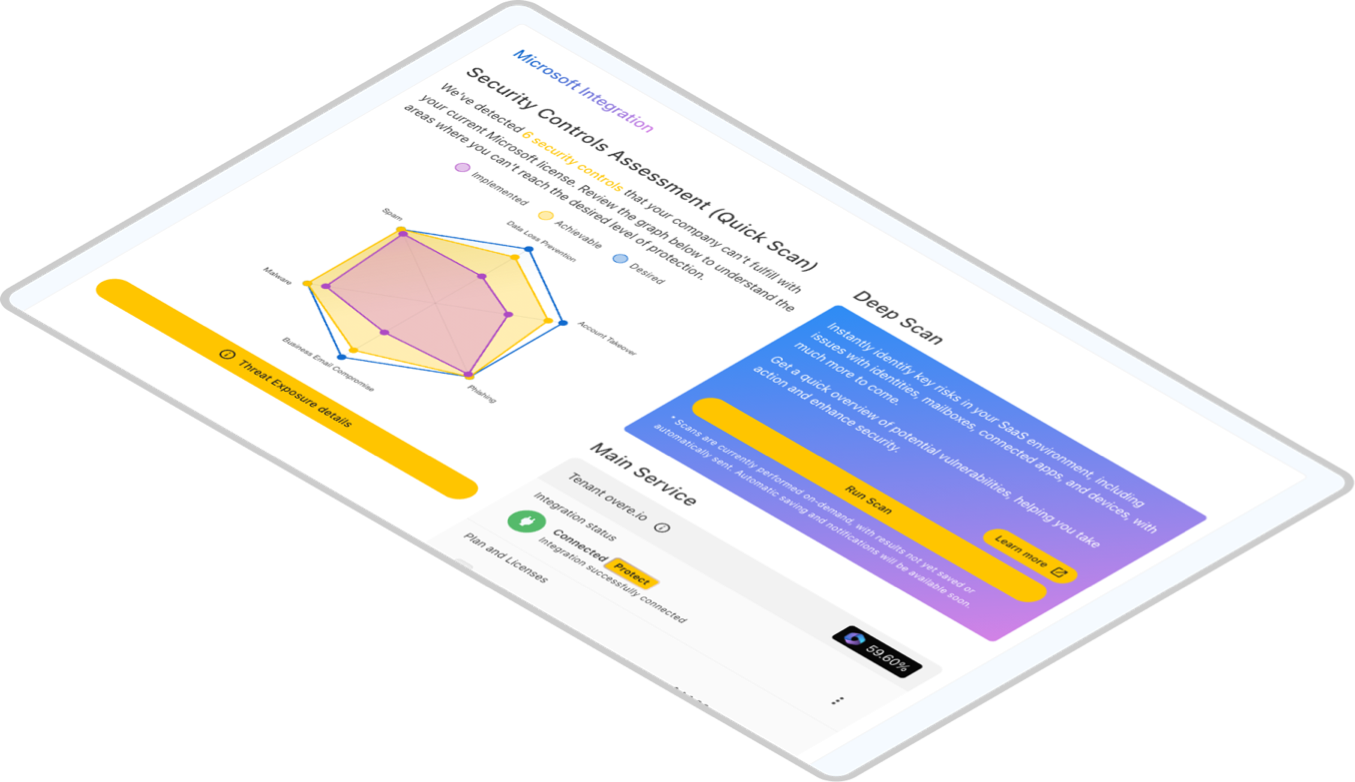
Black rectangular shadow with curved edges on a transparent background.User account alert interface showing a high severity alert for a user account created and made admin, with auto-response actions triggered successfully.Dashboard showing alerts for Global Admin Granted events with varying severity and statuses like Critical, Low, and Auto-responded, filtered by user and alert options.Dashboard showing policy status with sections for Applications and Devices, listing policy compliance, mode, and alignment details.Dashboard showing a Security Controls Assessment with a radar chart comparing implemented, achievable, and desired security levels across Spam, Malware, Business Email Compromise, Phishing, and Account Takeover. Includes a Deep Scan section with buttons to run a scan or learn more, and integration status for Microsoft tenant override.

// ASSESS

Comprehensive Security Assessments

Instantly evaluate the security health of your SaaS applications with Overe’s advanced assessment tool. Gain critical insights into potential vulnerabilities and compliance gaps, setting the stage for informed cybersecurity strategies tailored to MSP needs.

// HARDEN

Automated Security Hardening

Effortlessly reinforce your digital defenses with just a few clicks. Overe automates the implementation of best practice security policies across client environments, ensuring a fortified stance against threats without manual complexities.

// MONITOR

Threat Monitoring

Overe provides continuous monitoring of SaaS environments using AI-driven technology to detect unusual activities and potential threats.

// RESPONSE

Automated Response

Coupled with our auto-response capabilities, MSPs can swiftly mitigate risks, ensuring operational continuity and enhanced security for their clients, all from an intuitive, unified dashboard.
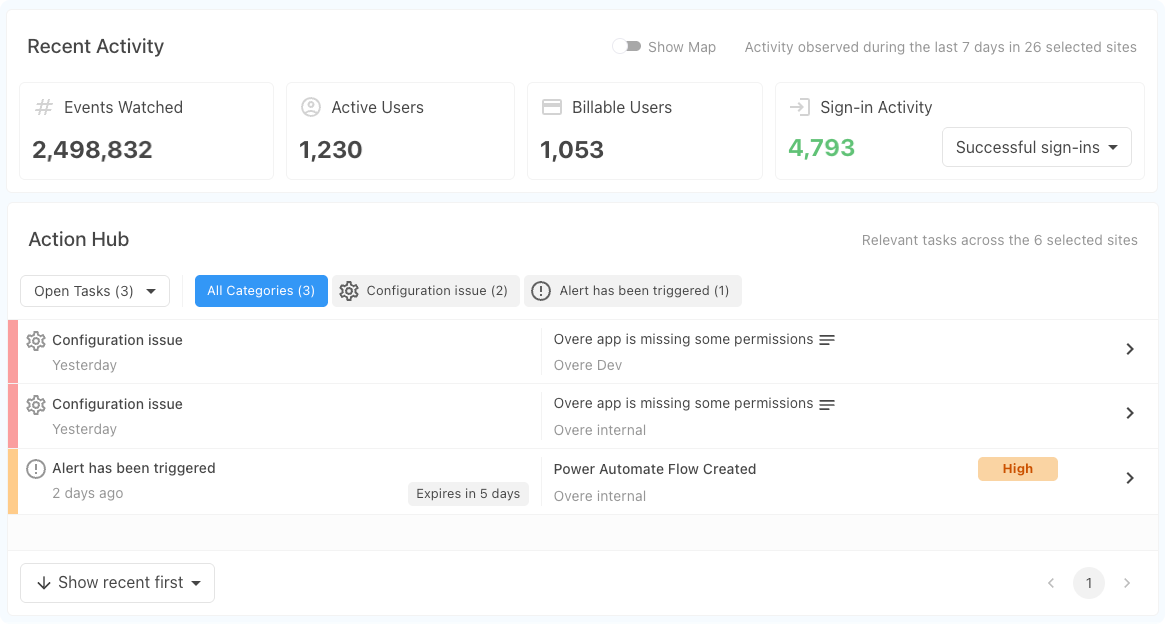
Dashboard showing recent activity with 2,498,832 events watched, 1,230 active users, 1,053 billable users, and 4,793 successful sign-ins; Action Hub lists three tasks including configuration issues and a high-priority alert for a Power Automate flow.
Discover Overe Licensing

Assess vs Protect

Overe offers two license options designed for complementary needs:
  Assess , our FREE assessment license, lets you evaluate your site's security posture.
 Protect   enables you to harden your site, maintain ongoing protection, and apply automatic remediations when needed.

All paid customers get unlimited Assess included.
(minimum contract applies)
Button with the word Assess in bold text and a blue to purple gradient border.
Manage
2 Minute Quick Setup
EU + US Data Center Selection
MSP/Client Management Portal
GDAP Onboarding
Multi site client dashboard
Value reports
Advanced rule based notifications
Full REST API coverage across the platform
Assess
Customised Security Posture Scoring driven by AI
CIS M365 Benchmark Audit
User Account Audits
(Limited)
Deep Scan to uncover vulnerabilities
(Limited)
Privileged Account Detection
MSFT License Recommendation
Third-Party App Monitoring
(Limited)
Harden
Manual Policy Remediation Guidance / Walkthrough
Automated Policy Enforcement
Multi site policy templates
Policy evaluation and What if modelling
(Beta)
Licensing aware policy recommendations
Monitor
Posture Tracking and Alerting
MITRE ATT&CK Mappings on Alerts
Anomaly Detection
Respond
Policy Drift Detection and Automated Response
24/7 Fully customisable automated response engine

Ready to try Overe?

Experience Overe Protect for FREE, no credit card required