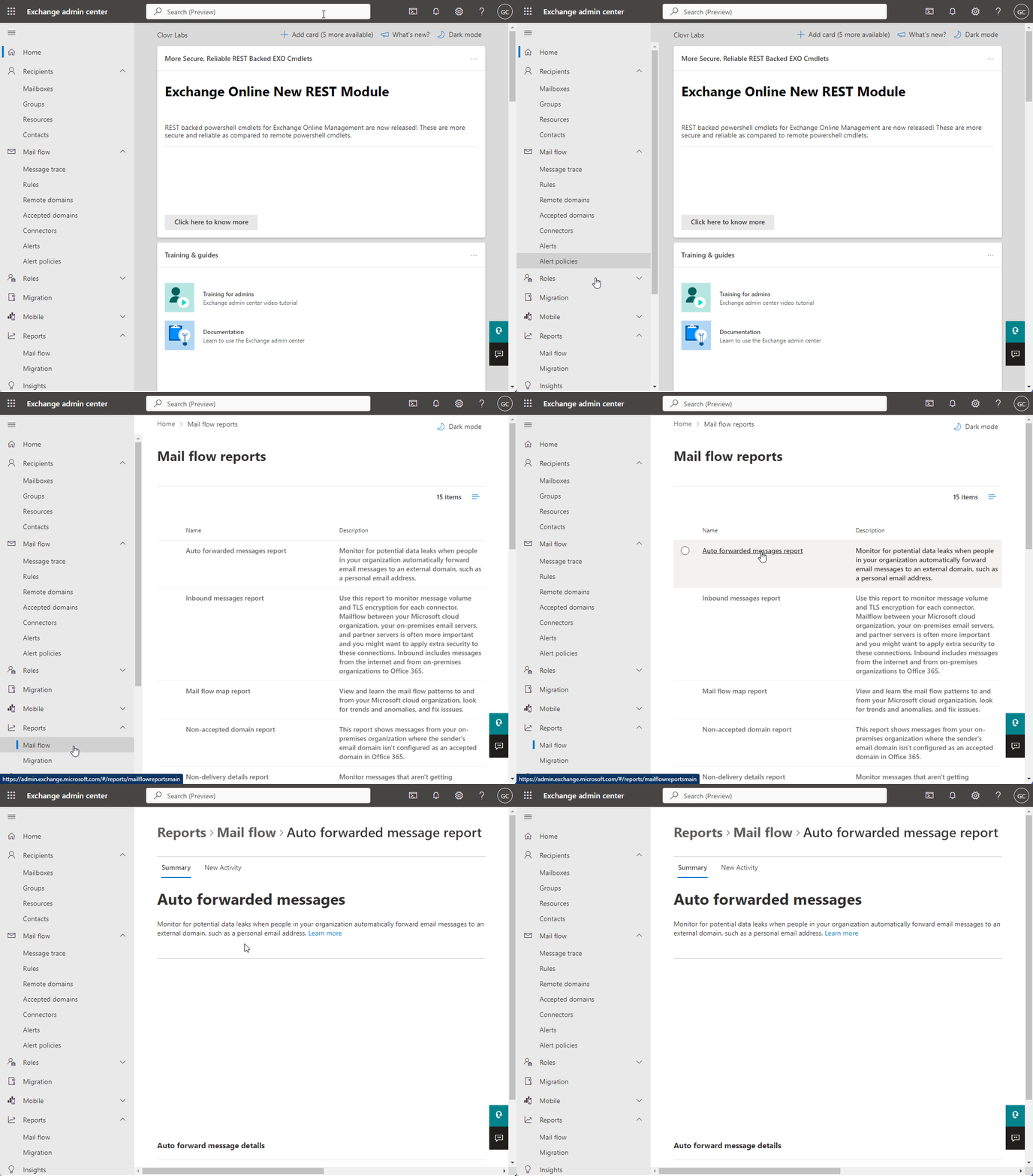
Attackers configure email forwarding rules in Microsoft 365 mailboxes to silently exfiltrate data after gaining initial access. A common persistence technique detected and blocked by Overe.
Adversaries set up forwarding rules on your users email inboxes to exfiltrate sensitive data and as a form of insurance in case they lose access to their victim’s email account.
Remediation details:
Overe monitors the presence of Forwarding/Transport rules in two locations
As part of the Assess 'Deep Scan' you can run on your tenant here
In real time as an alert activity ' External Email Forwarding Enabled' as potentially malicious forwarding rules are added over time