
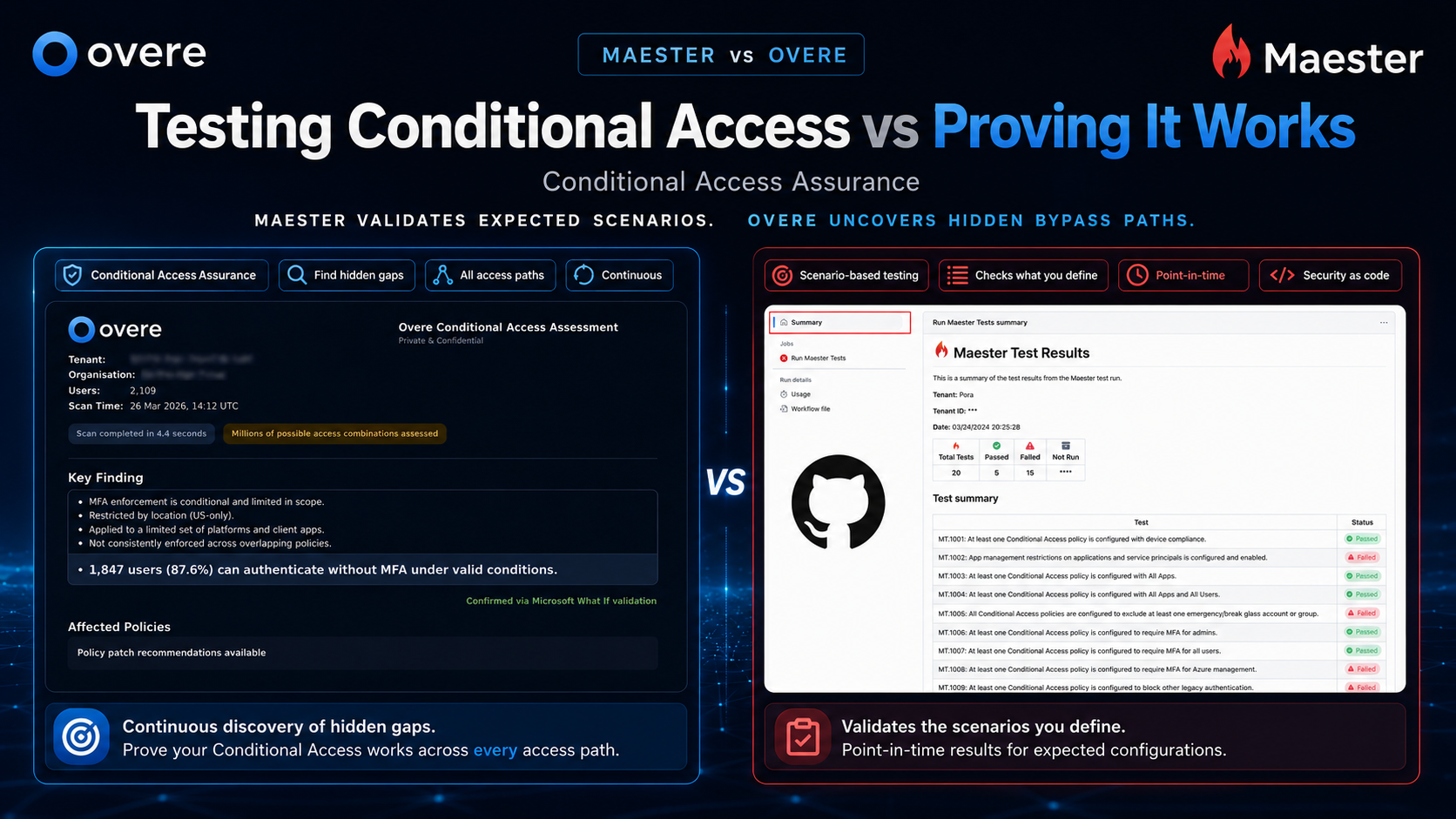
Conditional Access is one of the most important controls in Microsoft 365. It decides who can access what, from where, on what device, and under which conditions.
The problem is not that most teams have no Conditional Access policies. Most do. The problem is proving those policies are actually working the way everyone thinks they are.
That is where Maester and Overe both become relevant — but they solve different problems.
Maester is an open-source framework for Microsoft 365 security testing. It helps technical teams run repeatable checks, validate known scenarios, and bring security-as-code practices into their Microsoft 365 environment.
Overe is built for Conditional Access Assurance. It helps teams find hidden gaps, bypass paths, risky exclusions, and policy combinations that leave access exposed — even when the tenant looks secure on paper.
Maester helps you test what you already know to check. Overe helps you find the Conditional Access gaps you didn't know existed.
Conditional Access gets complicated quickly. A tenant might have policies covering MFA, admin accounts, device compliance, legacy authentication, guest access, named locations, and sensitive apps. On paper, that can look strong.
But things change. Users move groups. Apps get added. Exclusions build up. Emergency access accounts sit outside normal controls. A small exception that made sense six months ago quietly becomes a real exposure — and no Microsoft-native alert fires when it happens.
Testing known scenarios is useful. But if you know exactly what to test, you can only find the problems you already suspected.
The harder question is: what are we missing?
That is the question Overe is built to answer.
Maester is a strong fit if your team wants to manage Microsoft 365 security validation as code. That usually means you have technical people who are comfortable with PowerShell, Microsoft Graph, and automation pipelines — and who are willing to maintain and extend the test suite over time.
It is especially useful when you know exactly which scenarios to validate:
That is a real and valuable use case. Maester is good at it, it is free, and if your team has the skills to maintain it, it is hard to argue against starting there.
Overe is a better fit when the question is broader: can we prove Conditional Access is protecting the tenant properly — not just the scenarios someone remembered to test?
Overe analyses the actual tenant environment and identifies where controls may not apply as expected. That includes exclusions, app scope, user groups, device conditions, overlapping policies, and access paths that were never reviewed properly in the first place.
It is also built for how MSPs and security teams actually operate. They need to see which tenants are exposed. They need plain-language findings. They need prioritised actions. They need customer-ready evidence. And they need workflows that work for more than one senior engineer.
Maester starts with a test. Overe starts with the tenant.
With Maester, you define what good looks like, then check against it. With Overe, the platform analyses the environment and surfaces where Conditional Access does not match the security outcome you expected — including gaps you never thought to test for.
Both approaches have value. But they answer different questions.
Maester asks: did this expected scenario pass?
Overe asks: where could access still get through?
Not only does the Overe CAA tool flag up holes in your tenant, but our gap first approach allows you to simulate patch policies within seconds. Before deploying a policy change, see its impact across all paths — gaps introduced, legitimate users affected, lockouts or bypasses created without waiting days for report-only telemetry or constructing a whole new batch of deterministic tests.
So when is each tool the right fit?
Maester is the right choice for technical teams that want Microsoft 365 security validation as code. It is free, powerful, and well-maintained.
Overe is built for teams that need continuous Conditional Access assurance across complex or multi-tenant environments — and who need findings that non-technical stakeholders can act on.
Testing is not the same as assurance. Maester validates the scenarios you defined. Overe finds the gaps you didn't.
Overe can analyse your tenant, identify hidden gaps, and show you where expected controls may not be applying — including the bypass paths that point-in-time tests never catch.