
Over the last few months, we’ve had a slightly unexpected conversation come up again and again with customers and partners.
A business is running Microsoft 365 Business Standard, Exchange Online, Office 365 E3, Microsoft 365 E3, or another existing Microsoft tier. They want to improve security, and almost immediately the conversation turns into licensing.
Should they move from Business Standard to Business Premium? Do they need Microsoft 365 E5? Is the answer simply to buy more Microsoft security capability?
Sometimes it is. But quite often, it isn’t.
I’m a big believer in the Microsoft security stack. It’s incredibly capable, and there are very good reasons to move up through the licensing tiers when you need the controls they unlock. But there’s an important distinction that gets lost in a lot of these conversations: buying more security capability and improving your actual security posture are not the same thing.
Before you spend more on licensing, it’s worth understanding what you already have, whether you’re using it properly, and exactly where the licence is genuinely limiting you.
That sounds obvious. In practice, it happens far less than you might think.
Take Microsoft 365 Business Standard.
If you compare it with Business Premium, Premium is clearly the stronger security package. You get Microsoft Entra ID P1, Conditional Access, Intune, Defender for Business, Defender for Office 365 Plan 1, and a much broader set of controls around identity, devices and endpoints.
If you need those capabilities, that matters.
But here’s where the licensing conversation often jumps a step. A customer says, “we need to improve Microsoft 365 security”, and the answer becomes “upgrade to Business Premium”.
That may eventually be exactly the right recommendation, but it hasn’t actually answered the security question yet.
There are plenty of risks that have nothing to do with whether somebody owns Business Standard or Business Premium. Overprivileged administrators. Dormant accounts. Mail forwarding. Third-party applications with excessive permissions. Weak MFA coverage. Poorly managed sharing. Security settings that were configured once and have quietly changed over time.
Buying a new licence doesn’t automatically make any of those problems disappear. The first job is understanding what is actually happening in the tenant.
This is probably the easiest way to explain it.
Imagine a 100-person company running Microsoft 365 Business Standard. They’ve got Outlook, Office, Teams, SharePoint and OneDrive. It works. The business is happy with it.
Then security becomes a bigger priority.
There are really two different questions to answer.
How secure can we make the environment we already have?
And then:
What security outcomes require capabilities that our current Microsoft licence simply doesn’t include?
Those are not the same question.
You can assess the tenant, tighten existing configuration, review privileged accounts, find risky applications, identify forwarding rules, clean up stale identities, improve the controls already available and continuously monitor what changes.
None of that requires pretending Business Standard is Business Premium.
Then perhaps the review shows something more specific. You want to create your own Conditional Access policies around users, applications, devices, locations or authentication conditions. Now you have a licensing requirement. Custom Conditional Access policies require Microsoft Entra ID P1 or P2, and Business Premium includes Entra ID P1.
Or perhaps you want to manage company devices properly through Intune, or you want Defender for Business protecting endpoints. Again, there is a clear reason to move.
At that point, Business Premium is not an abstract “security upgrade”. It is solving a specific problem you have already identified. That is a much better buying decision.
There is another reason this distinction is becoming more important. Microsoft is starting to make the baseline protections available with Microsoft Entra ID Free more flexible.
In a private preview for selected Entra ID Free tenants, Microsoft is testing an updated Security Defaults experience where the individual Microsoft-managed protections can be viewed and managed separately, rather than treating Security Defaults as one all-or-nothing switch. Microsoft also says this updated baseline can work alongside customer-created Conditional Access policies.
That does not make Business Standard equivalent to Business Premium. Creating custom Conditional Access policies still requires the appropriate Microsoft Entra ID P1 or P2 licence, and controls such as device compliance or location-based conditions remain premium capabilities. But it does mean the free baseline is getting more capable, which makes the question even more specific: what security control do you actually need that your current licence cannot provide?
This updated Security Defaults experience is currently a private preview for selected tenants, so the available protections and behaviour may change before broader availability.
Business Standard and Business Premium are the easiest example, but the same principle applies across the Microsoft stack.
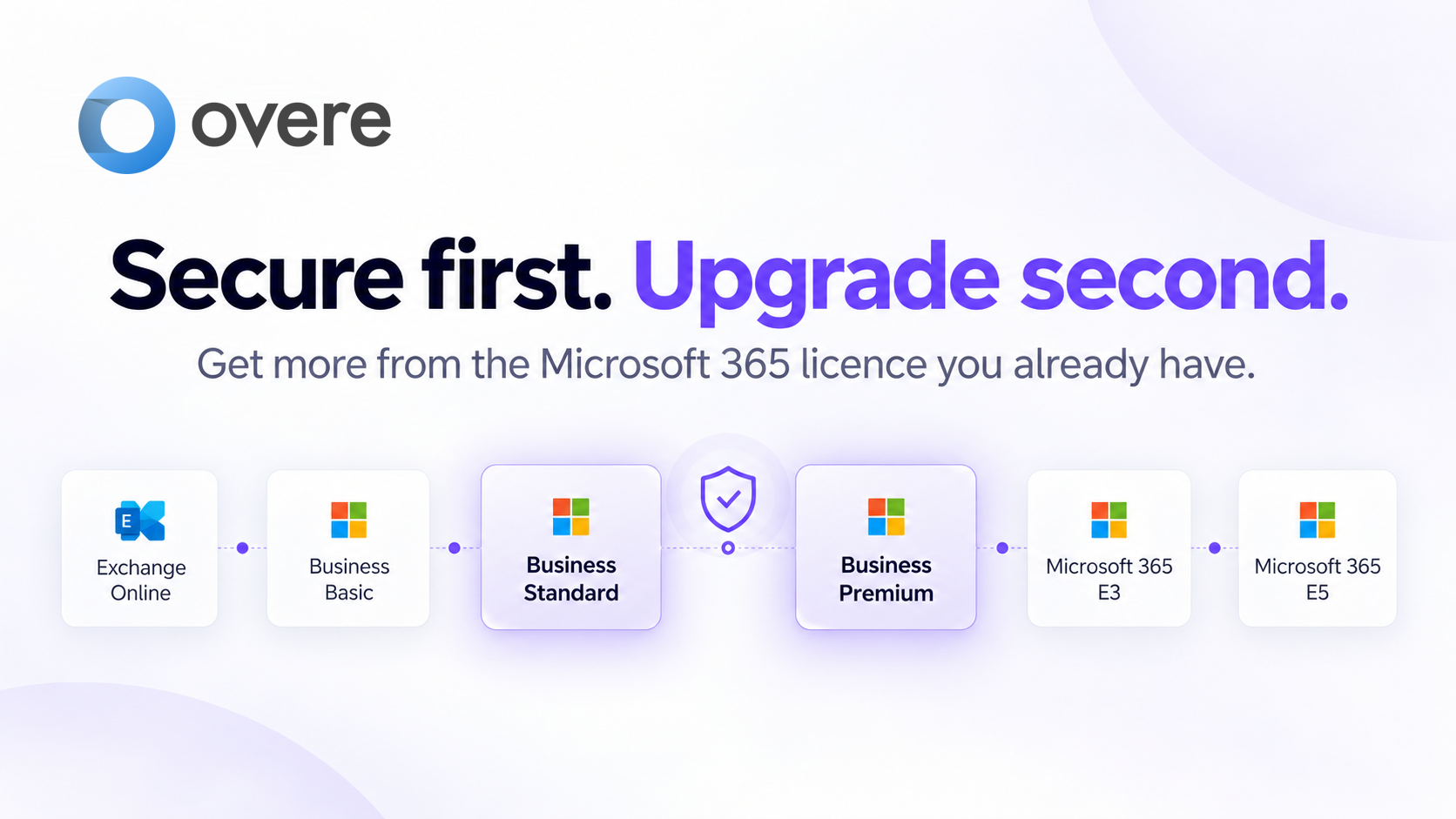
The table below is not intended to replace Microsoft’s licensing documentation. It is simply a more useful way to look at the security decision: what can you improve with the licence you already have, and when does moving up the Microsoft stack genuinely unlock something you need?
| You have today | Potential Microsoft upgrade | What Overe adds today | Why it matters |
|---|---|---|---|
| Exchange Online | Business Basic | Security assessment, identity and admin visibility, risky configuration detection, OAuth and email posture, ongoing monitoring. | Improve security around the environment you already use, without moving to a full Microsoft 365 suite. |
| Business Basic | Business Standard | Security baseline, hardening, continuous monitoring, identity and SaaS risk visibility. | If the problem is security rather than desktop Office, improve the current environment first. |
| Business Standard | Business Premium | Assess, harden, monitor and respond. Identify where existing controls can be improved and where the Microsoft licence itself becomes the limitation. | Get a meaningful security uplift today, then move to Premium when capabilities such as Conditional Access, Intune or Defender for Business are genuinely required. |
| Business Premium | Microsoft 365 E3 | Conditional Access assurance, hardening, configuration drift detection, investigation and response. | Make the Microsoft security capabilities you already pay for actually work as intended. |
| Office 365 E3 | Microsoft 365 E3, Entra ID P1, Intune, or targeted add-ons | Assess and harden the tenant, make use of Defender for Office 365 Plan 1, monitor identity, admin and OAuth risk, and continuously investigate and respond with the controls available. | Strengthen Office 365 E3 without automatically moving to Microsoft 365 E3. Overe helps show exactly where Entra ID P1, Intune or another add-on is genuinely worth retaining or adding. |
| Microsoft 365 E3 | Microsoft 365 E5 | Continuous assurance, configuration validation, drift detection, investigation and response. | Get more value from Microsoft 365 E3 before assuming a significant Microsoft 365 E5 upgrade is the answer. |
| Microsoft 365 E5 | Additional Microsoft security capabilities | Independent assurance, Conditional Access validation, continuous monitoring and security operations. | Prove that a major Microsoft security investment is actually delivering the outcome you expected. |
Microsoft licensing changes regularly and exact entitlements can vary by agreement, geography and add-ons. Always confirm current Microsoft licensing before making a purchasing decision.
Moving from Microsoft 365 E3 to Office 365 E3?
These are different products, even though both carry the E3 name. Office 365 E3 now includes Microsoft Defender for Office 365 Plan 1 as part of Microsoft’s 2026 packaging changes, but it does not include Microsoft Entra ID P1 or Microsoft Intune Plan 1 simply because it is an E3 licence.
For organisations reviewing Microsoft 365 E3 costs, moving to Office 365 E3 can be a valid option, but it changes the identity and device-management capabilities available. Overe helps you understand what remains protected, strengthen the controls still available, and identify which premium Microsoft capabilities are genuinely worth retaining or adding.
I think this is the bit Microsoft 365 buyers should care about most.
Rather than starting with a SKU comparison, start with the tenant as it exists today. Understand what is actually wrong, what can be improved with the controls you already have, and which remaining gaps genuinely depend on additional Microsoft capability.
Sometimes that journey absolutely ends with Business Premium. In fact, for a lot of SMBs it probably should. It is a very capable package.
But now you know why you are buying it.
In other cases, you may discover the immediate risk is something you can fix without changing Microsoft licensing at all. The same principle carries further up the stack.
This is where the licensing conversation becomes even more interesting.
The more Microsoft security capability you buy, the more important it becomes to know whether those controls are actually doing what you think they are doing. A Conditional Access policy can be enabled and still leave an unintended access path. MFA can be present across the tenant but not apply in every scenario you expect. A security configuration can be correct at the point it was deployed and slowly move away from that state as users, groups, applications and policies change.
This is a theme we have written about a lot at Overe because it comes up constantly in real Microsoft 365 environments. Configured does not mean enforced: there is a big difference between having a control turned on and being able to prove the security outcome it is meant to deliver is actually happening.
That difference matters at every licensing tier, but it becomes more significant as the environment gets more capable and more complex. Business Premium, Microsoft 365 E3 and Microsoft 365 E5 all give customers increasingly powerful controls. They also give administrators more policies to manage, more dependencies to understand, and more opportunities for small changes to create gaps over time.
So buying the next tier can absolutely improve the security potential of the environment. But the potential only matters if those controls are deployed properly, kept in the right state, and continuously checked as the tenant evolves.
This is really the role we see Overe playing.
We are not trying to replace Microsoft licensing, and we are not trying to tell customers that Business Standard somehow becomes Business Premium because they add Overe. That would be wrong.
What Overe does is help customers get more from the environment they already have.
We assess the tenant, identify where the real gaps are, harden what can be improved with the controls already available, and then keep watching for changes in posture, identity risk, configuration and activity. Where the customer already owns stronger Microsoft controls, Overe helps them operate those controls more effectively and validate that they are delivering the intended outcome.
And where the Microsoft licence genuinely becomes the limiting factor, that becomes part of the answer rather than the starting assumption.
A customer on Business Standard may be able to make meaningful security improvements without immediately moving every user to Business Premium. But if the assessment shows that the outcome they want depends on Conditional Access, Intune, Defender for Business or another capability they do not currently own, there is now a specific and defensible reason to upgrade.
The same principle applies higher up the stack. An Office 365 E3 customer and a Microsoft 365 E3 customer start from different security entitlements, so it is important to be precise about which product you mean. A Microsoft 365 E3 customer should understand what they are already getting from that suite before assuming Microsoft 365 E5 is the answer. A Microsoft 365 E5 customer has already bought an enormous amount of capability, so the bigger question is whether that investment is actually being translated into protection.
For us, this also links directly to Conditional Access Assurance. It is not enough to know that a policy exists. What matters is understanding whether the protection you intended is actually being applied across the real access paths into the tenant.
The point here is not that customers should avoid moving to higher Microsoft tiers. In many cases they should.
Business Premium is a strong security upgrade from Business Standard. Microsoft 365 E5 provides capabilities that some organisations genuinely need. Microsoft has built an incredibly broad security stack, and there are plenty of environments where those higher tiers are absolutely justified.
The point is that the licence decision should come after you understand the security problem, not before.
That means starting with the tenant as it exists today, understanding where the risks are, improving what can be improved, and then being clear about which remaining gaps require additional Microsoft capability.
Get the most from what you have. Know where the gaps are. Upgrade when there is a reason.
It sounds simple, but it is a very different way of approaching the problem.
Too many Microsoft 365 security conversations begin with a SKU comparison. I think they should begin with the environment.
If the result is that you need Business Premium, Microsoft 365 E3, Microsoft 365 E5 or an additional Microsoft security capability, then you are making that investment for a reason you can actually explain. And if you do not need to upgrade yet, you can still materially improve the security of the environment you already have.
That is the model we believe in with Overe.
Microsoft provides the capabilities. Our job is to help customers understand what they have, make those controls work properly, and know exactly when they need more.
Business Standard does not include Microsoft Entra ID P1, so it does not give you the entitlement to create custom Conditional Access policies. Entra ID P1 is included with Microsoft 365 Business Premium. Microsoft is currently privately previewing a more granular Security Defaults model for selected Entra ID Free tenants, but those Microsoft-managed baseline protections are not a replacement for customer-created Conditional Access policies.
They are different suites. Office 365 E3 now includes Microsoft Defender for Office 365 Plan 1, but Microsoft 365 E3 also includes Microsoft Entra ID P1 and Microsoft Intune, alongside Windows Enterprise and additional management capabilities. That difference matters if your security design depends on custom Conditional Access, device compliance or Intune-based controls.
Business Premium gives customers access to significantly more Microsoft security capability, including Entra ID P1, Intune, Defender for Business and Defender for Office 365 Plan 1. Whether that results in a more secure environment still depends on how those controls are configured and operated.
Not always. There are many identity, configuration, application and monitoring risks that can be improved within an existing Microsoft 365 environment. Some security outcomes do require additional Microsoft licensing, which is why it is important to understand the gap before making the upgrade decision.
No. Overe works with the Microsoft capabilities available in the tenant. It helps customers assess, harden, monitor and respond, while making it clear where additional Microsoft licensing is genuinely required.
If you want to understand what is configured, what is exposed and where a Microsoft licence is genuinely the limiting factor, start with Overe.